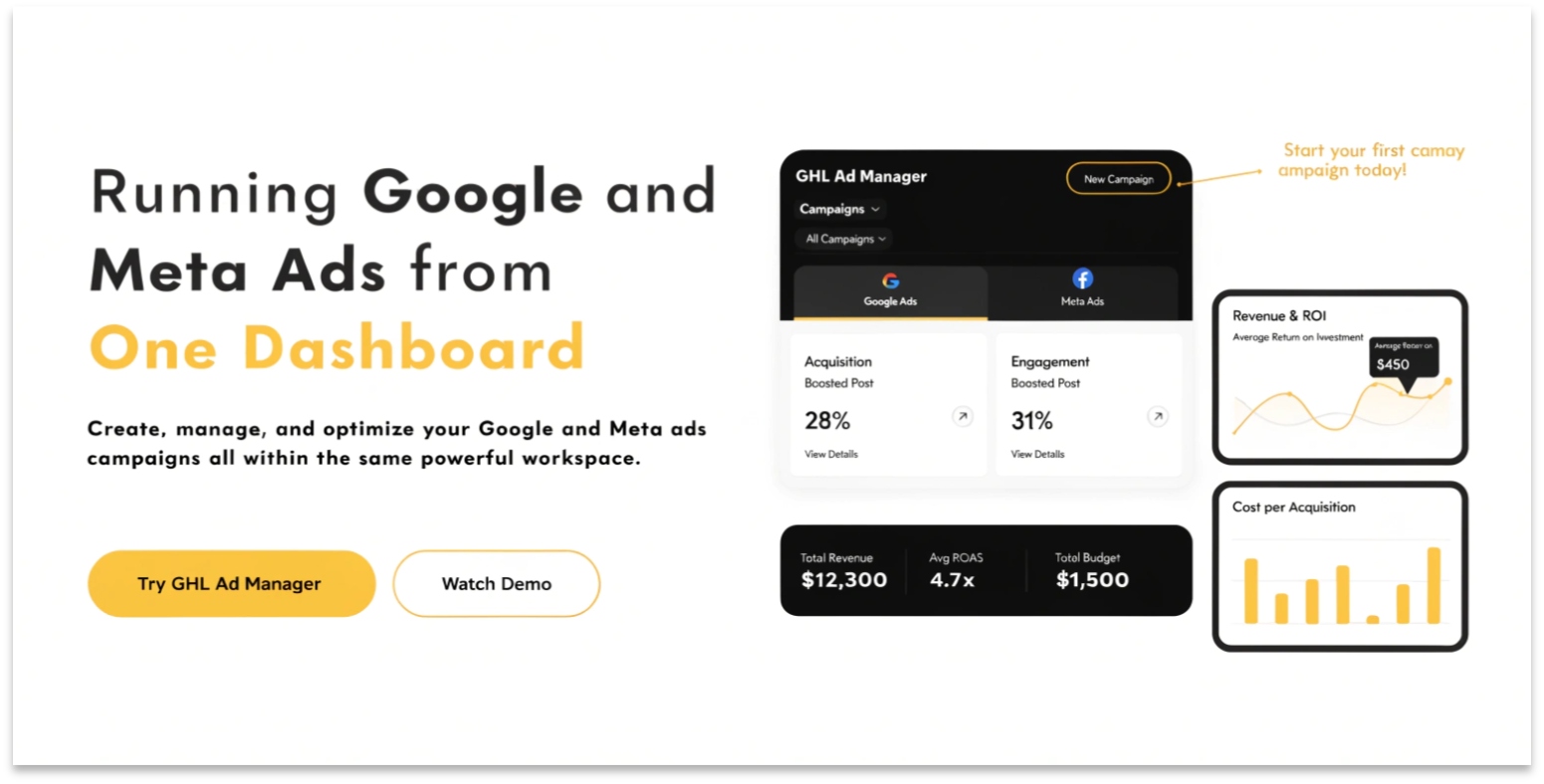
GHL Ad Manager: Running Google and Meta Ads from One Dashboard
In 2026, the most successful agencies don’t just “run ads.” They run Integrated Campaigns. If your ads are in one place and your leads are in another, you are losing data and money.
The GoHighLevel (GHL) Ad Manager is a central command center. It allows you to launch, track, and scale Google, Facebook, and Instagram ads without ever leaving your CRM.
What is GHL Ad Manager?
The Ad Manager is an integrated tool that connects directly to your Meta and Google accounts. Instead of using complex “Business Managers,” you use a simplified 2026 interface built for speed.
Key Benefits of Centralized Ads:
Read this: GoHighLevel vs. HubSpot vs. Salesforce: 2026 CRM Showdown
2026 Breakthrough: Meta Ad Widgets
Inside your GHL Dashboard, you now have Meta Ad Widgets. These are visual blocks that pull real-time data from Facebook.
You can now see:
The “Post-Click” Automation Logic
The real magic happens after the click. In 2026, GHL links your ads directly to your Workflows.
The Old Way:
The GHL 2026 Way:
Read this: GHL Local SEO: How to Dominate Google Maps Automatically
Comparing GHL Ad Manager vs. Native Platforms
| Feature | Meta/Google Native | GHL Ad Manager (2026) |
| Complexity | High (Steep learning curve). | Low (Simplified for speed). |
| CRM Connection | Needs Zapier/Third-party. | Native (Built-in). |
| Reporting | Only shows “Clicks/Leads.” | Shows “Leads” + “Actual Revenue.” |
| Scaling | Manual per account. | Bulk-launch across sub-accounts. |
| AI Support | Generic “Advantage+” tools. | GHL AI Workflows + Ad Logic. |
Frequently Asked Questions (FAQs)
Do I pay GHL for my ad spend?
No. You still pay Google and Meta directly for your ads. GHL just provides the “Dashboard” to manage them.
Can I run YouTube Ads in GHL?
Yes. In 2026, the Ad Manager fully supports YouTube Search and Shorts ads, allowing you to capture high-intent video traffic.
Does GHL help with tracking “iOS 14” issues?
Yes. GHL uses Conversion API (CAPI) and server-side tracking. This means your data is more accurate than just using a standard browser pixel.
Final Thoughts: Data-Driven Scaling
In 2026, the agency that can prove Return on Ad Spend (ROAS) is the one that keeps the client. By using the GHL Ad Manager, you connect the “Dollar Spent” on an ad to the “Dollar Earned” in the CRM. That is the ultimate way to prove your value.