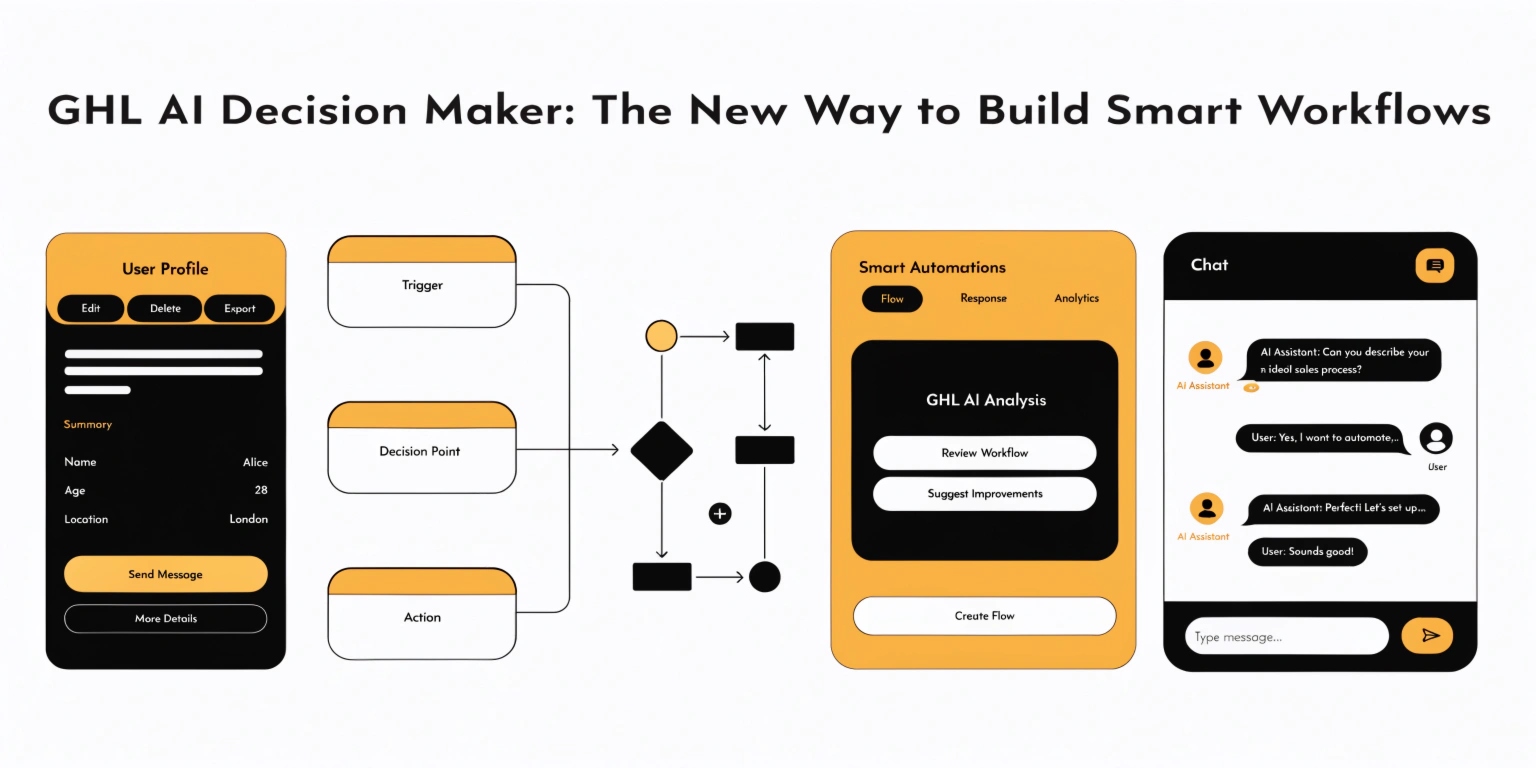
GHL AI Decision Maker: The New Way to Build Smart Workflows
Stop building messy “If/Else” branches. In 2026, GoHighLevel (GHL) introduced the AI Decision Maker. It is a game-changer for anyone who wants “smart” automation without the headache.
In this guide, you will learn how to replace 50 manual steps with one simple AI node.
What is the AI Decision Maker?
The AI Decision Maker is a workflow action that “thinks” before it acts. In the past, you had to tell GHL exactly what to look for (like a specific word or tag).
Now, you just give the AI instructions in Plain English. It looks at the lead’s data and decides which path is best.
Read this: GHL Logic Guide: How to Build Advanced GoHighLevel Workflows
Why You Should Switch Today
How the AI Decision Maker Works
Think of this node as a “traffic cop” for your leads. You give it a set of instructions, and it sends the lead down the right road.
The Three Parts of the Node
Comparing Old Logic vs. AI Logic
Let’s look at how much time you save with the new 2026 updates.
| Feature | Old GHL Logic (Manual) | New AI Decision Maker |
| Setup Time | 30-60 Minutes | 5 Minutes |
| Flexibility | Rigid (Exact matches only) | Fluid (Understands context) |
| Maintenance | High (Breaks easily) | Low (Self-adjusting) |
| Skill Level | Advanced / Technical | Beginner / Intermediate |
Step-by-Step: Setting Up Your First AI Node
Follow these steps to build a “Smart Lead Router.”
Add the Action
Open your GHL Workflow. Click the + icon and search for “AI Decision Maker.” It is located under the “AI Actions” category.
Write Your “Plain English” Rules
In the “Instructions” box, be specific.
Add Your Variables
Use the “Tag” icon to pull in data. You can tell the AI to look at:
Read this: 5 GHL Logic Recipes for Real Estate: Automate Your Lead Follow-Up
Define the “Default” Path
Always have a Default Branch. This is for leads who don’t fit your rules. It prevents people from getting “stuck” in your workflow.
Advanced Tip: Using Sentiment Analysis
The AI Decision Maker can now read emotions. You can build logic that triggers based on how the lead feels.
Frequently Asked Questions (FAQs)
Does the AI Decision Maker use GPT-4?
Yes. GHL uses advanced models to ensure the logic is fast and accurate. It is much smarter than the basic “Keyword” filters of the past.
Can I use this for Lead Qualification?
Absolutely. This is the best use for it. You can tell the AI to “disqualify” anyone who says they have a budget under $1,000.
Is there a cost for using AI Nodes?
Most 2026 plans include a set amount of AI executions. Check your “Rebilling” settings in the Agency view to see your current rates.
Final Thoughts: Simplicity is Power
In 2026, the best SEO strategy is to provide the most “modern” solution. By using the AI Decision Maker, you make your agency faster and your clients happier.
Don’t wait for your competitors to catch up. Upgrade your “GHL Logic” today and let the AI do the heavy lifting.