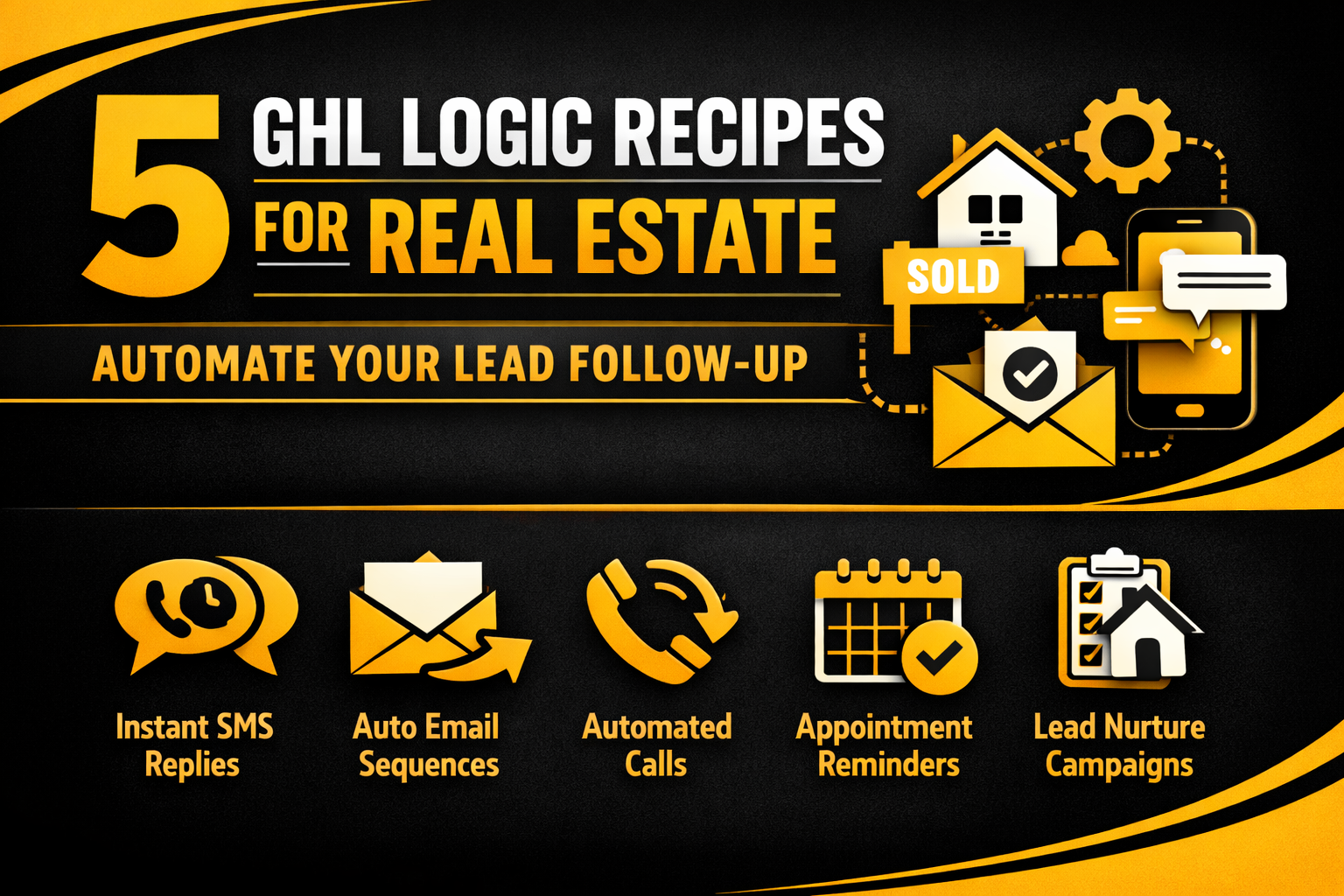
5 GHL Logic Recipes for Real Estate: Automate Your Lead Follow-Up
Are you a real estate agent tired of chasing leads manually? GHL Logic can help you sort your buyers from your sellers automatically.
In this guide, we share 5 “Logic Recipes.” These are simple automation paths you can build in GoHighLevel (GHL) today. They will save you hours of work every week.
Why Real Estate Needs GHL Logic
In real estate, speed is everything. If you don’t reply to a lead in 5 minutes, they will call another agent. GHL Logic ensures that every lead gets a personal touch immediately, even if you are at a closing.
The Benefits of Using Logic in Real Estate
Recipe 1: The “Buyer vs. Seller” Sorter
This is the most important logic for any agency. It starts when someone fills out your general website form.
How the Logic Works
Recipe 2: The “After-Hours” Auto-Responder
Do you get leads at 2:00 AM? You shouldn’t have to wake up to answer them.
How the Logic Works
Comparison: Manual Follow-up vs. GHL Logic
| Task | Manual Follow-up | GHL Logic Automation |
| Response Time | 30 minutes to 4 hours | Under 30 seconds |
| Data Entry | You type it in manually | GHL updates the CRM for you |
| Lead Quality | You have to guess | Logic “Scores” them for you |
| Workload | Very High | Zero after setup |
Recipe 3: The “No-Show” Appointment Rescue
If a lead misses a home tour, most agents forget to follow up. GHL Logic never forgets.
How the Logic Works
Read this: GHL Logic Guide: How to Build Advanced GoHighLevel Workflows
Recipe 4: The “Hot Lead” SMS Alert
Not all leads are equal. Some are “Hot” and need your attention right now.
How the Logic Works
Recipe 5: The “New Listing” Blast (Smart Version)
Instead of bothering everyone, only message the people who care about that specific neighborhood.
How the Logic Works
Tips for Success with Real Estate Logic
Read this: Is GoHighLevel HIPAA Compliant? Setting up a Secure BAA in 2026
Frequently Asked Questions (FAQs)
Can I use GHL Logic for Zillow leads?
Yes! You can use Zapier or a Webhook to bring Zillow leads into GHL. Once they arrive, your logic starts working.
Will my leads know it is an automation?
Not if you write like a human. Avoid using corporate language. Keep it friendly and helpful.
What happens if a lead replies “Stop”?
GHL has built-in logic for this. If a lead replies “Stop,” the system automatically opts them out so you don’t get in trouble.
Final Thoughts
Using GHL Logic for your real estate business is like having a personal assistant for every lead. It makes your agency look professional and ensures you never miss a deal.
Start by setting up the Buyer vs. Seller sorter first. It is the easiest way to see immediate results!